
sodo app: the casino and sportsbook on your phone
One screen holds the casino lobby, live dealer tables and sportsbook in the sodo app. You install it once, sign in with the same details, and the balance you see on your laptop is there on the phone.
The download is quicker than a coffee on a District 1 pavement. There are two routes and the handset chooses one: Android gets an install file, iPhone gets a home-screen icon through the browser.
Get your sodo login ready first. The app signs into the account you already have, so there is no new account to make.
How to install the sodo app on Android or an iPhone
-
01
Download the file for your phoneUse the phone you will actually bet on when you tap the download button on this page. Android takes an install file; iPhone asks you to save the app to the home screen.
-
02
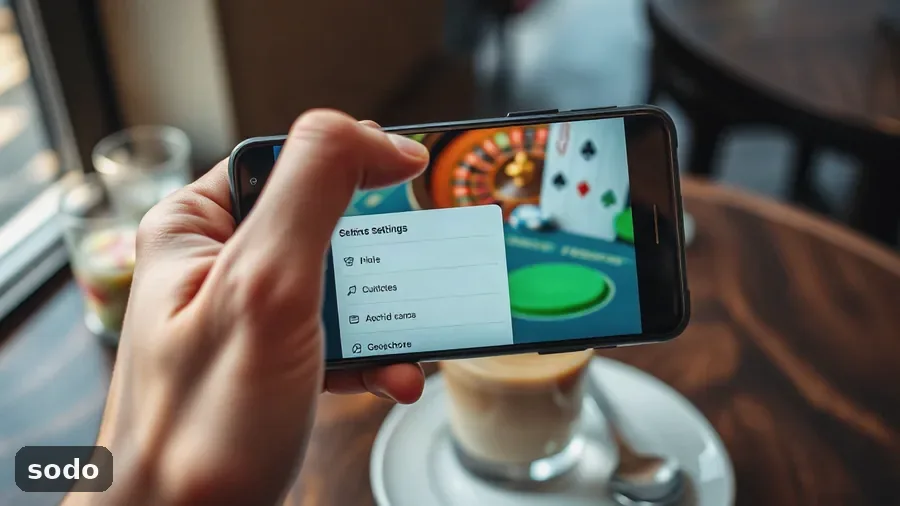
Allow the install onceAndroid flags an install from outside the store. Open the settings it sends you to, allow the permission for your browser, confirm the install, and the warning stops.
-
03
Log in with your existing detailsType the username and password from the site. No account yet? Complete the sign-up first, it takes about a minute, then return here.
-
04
Claim the welcome bonus and place a first betBefore you confirm a deposit, go to the cashier and put fun_2423 in the promo box. After that, choose a match or a table in the lobby.
What you can actually do inside the sodo app
The desktop site is all here, squeezed into a layout you can run with one thumb. The sodo app lands on the casino lobby; a bottom bar holds live casino, sports, the cashier and your account.
The live dealer room
Blackjack, roulette and baccarat sit in the live section as tiles, each with its current limits under the name. Turn the handset sideways: the dealer fills the screen and the bet spots sit under your thumb.
Video is the part that needs a steady connection. Home wifi is fine. On a bus through Hanoi it blurs, and the betting window can shut before the hand ends.

Play slots in the app
Slots open in the app, not in a second browser window, and you do not need pinch zoom. The lobby groups them by theme and studio, and the search box finds a title by name.
Welcome-package free spins land in the same spot. A small badge on the account icon shows how many you have left, and the terms set a timer on them.
The sportsbook
The sports screen lists the day’s fixtures, each with a price beside it. Tap one price and it goes into the bet slip at the bottom. Tap another and the two become a double.
The cashier
The app uses the same deposit flow as the website, and the methods on your account appear there too. Check the sodo payments page for what works today and the fee on each option.
A withdrawal returns to the method you used for the deposit. Do verification before your first request; if not, it sits in the queue while the documents are checked.
| Job | In the app | In the browser |
|---|---|---|
| Opening a slot | Tap a tile in the lobby | New tab, then back to the lobby |
| Live dealer table | Fills the screen in landscape | Smaller video in a window |
| Bet slip | Keeps the picks between sessions | Rebuilt after a page refresh |
| Cashier | Bottom menu, one tap | Menu, then cashier |
Battery is the other price. A long live dealer session heats the phone and drains it faster than slots, so keep a charger at the desk.
What the phone version does well, and where it gets in the way
- One login gets you the lobby, live tables and sportsbook.
- The fun_2423 code and the 150% welcome bonus both work in the app.
- Slots open without a second window or pinch zoom.
- Your bet slip keeps the picks when you jump to Zalo and come back.
- Live dealer video drains the battery faster than anything else here.
- Android asks for a permissions change before the first install.
- On iPhone it is a home-screen icon, so it updates with the browser, not through the App Store.
- Withdrawals still wait for verification; the phone version does not skip that step.
Claiming the 150% welcome bonus after login
Your sodo login stays the same on the phone. The username and password do not change, the balance is shared, and a laptop deposit shows in the app once you refresh the account page.
Where the promo code goes
A code usually fails because of a space at the end. On the deposit screen, type fun_2423 by hand in the promo field, not copied from a chat message, and do it before you confirm the payment.
The welcome deal is 150% up to 20M ₫ plus 150 free spins. Bonus money is not cash: the terms set a playthrough before it can leave the account, so read the numbers on the bonus card in the cashier first. More detail is on the sodo bonus page.
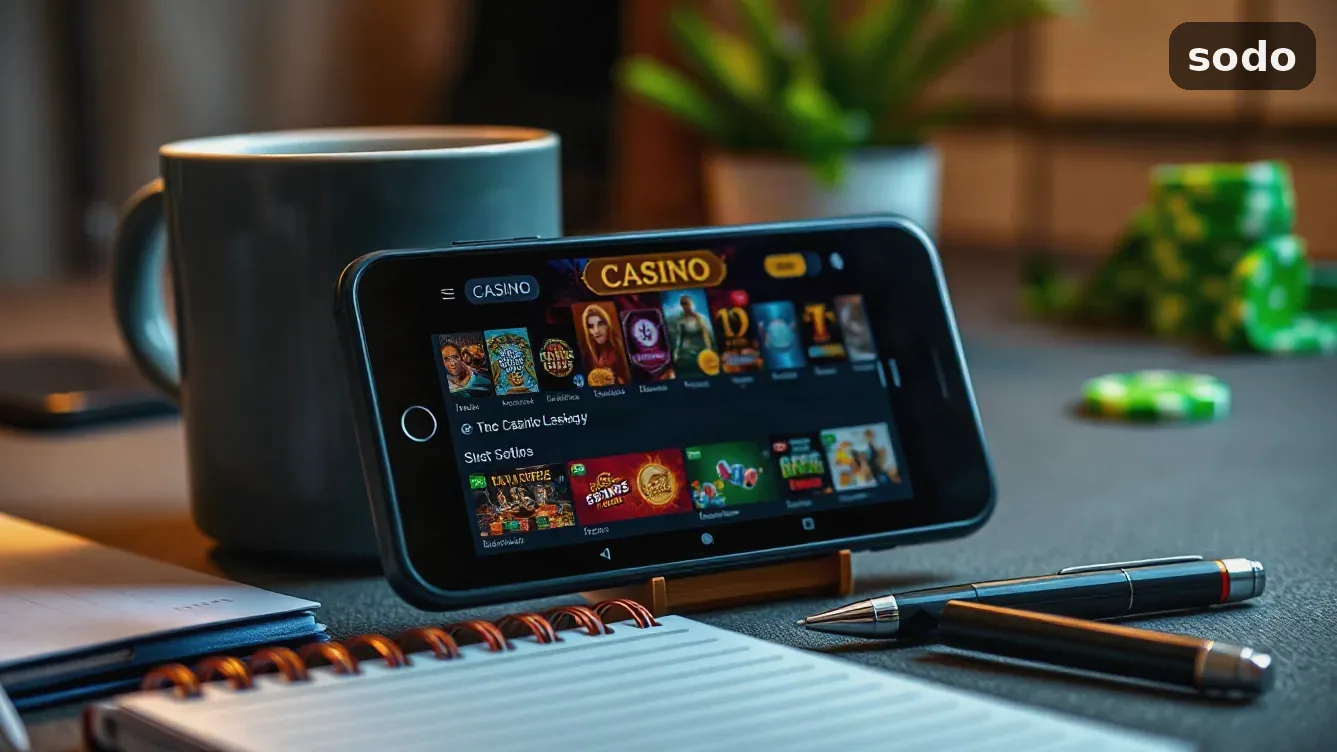
Why your sodo app login will not go through
Most failed sign-ins come down to three things:
- A browser-saved password that no longer matches the account.
- A session left open on another handset, which the app counts as a second login.
- An update that wiped the saved details and now asks for them again.
When the password is the issue, use the reset link on the sign-in screen. One new password covers the website and the app at the same time, so you only have to set it once.
Moving money from the phone
Deposits and withdrawals keep the same limits and checks as the website. The phone version does not speed a payout up. The queue is the queue.
If phone sessions start to feel automatic, go to the account settings and set a deposit limit ahead of time. The app is for players 18 and over.
Crash games
Crash titles are in the instant tab. The sodo aviator game uses the same round timer as the site, and a strip of recent multipliers runs above the betting panel.
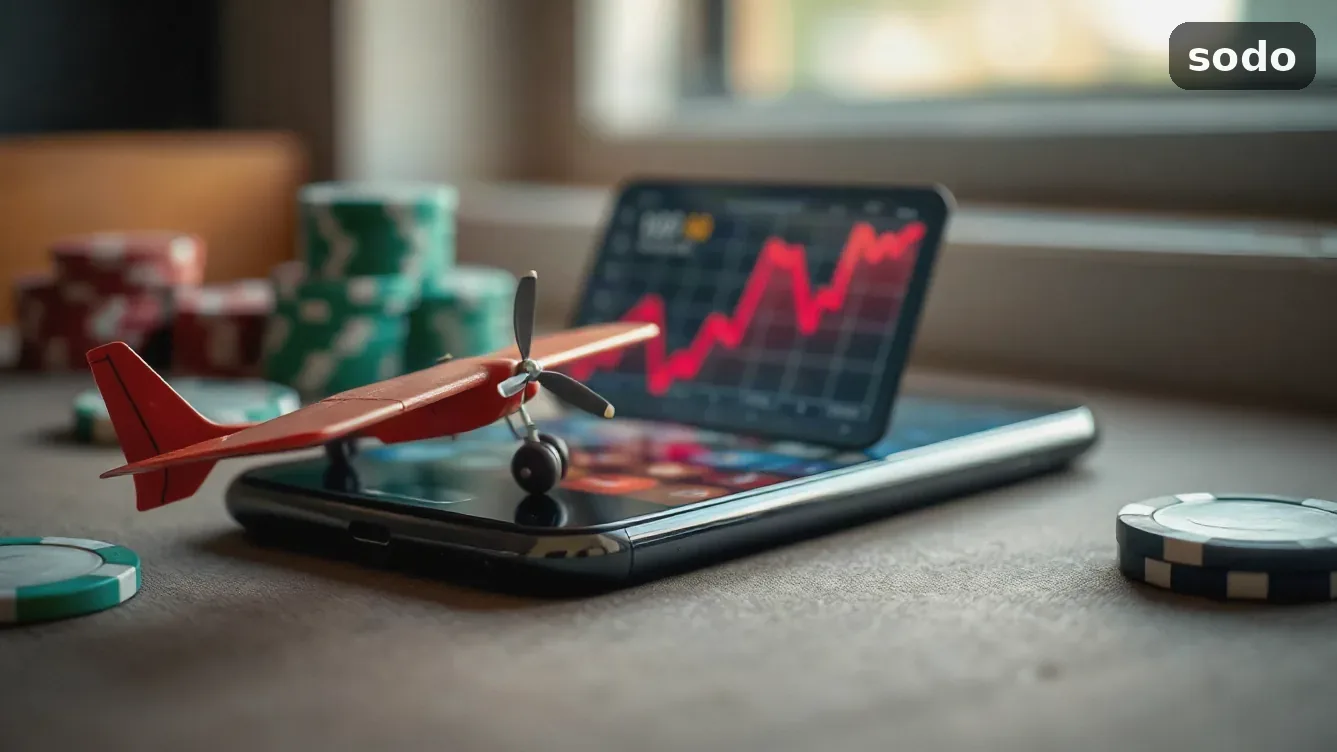
How to download the sodo mobile app by phone type
Android phones install from a file. On iPhone you save a home-screen icon from the browser. Both open the same lobby, cashier and bet slip, and both take the login you already use. Nothing is stored twice: the balance is on the account, not on the handset.
sodo app: what to know before you install
Does the sodo app cost anything to install?
Nothing is charged for the download at all, and there is no subscription. The only payment you make is a deposit, and the minimum is the same as the website.
Do I need another account for the phone version?
No. Use your website login and the balance, bonus progress and bet history stay the same on both. One registration covers every device.
Where do I enter the fun_2423 promo code?
The promo box on the deposit screen takes the code before you confirm the payment. That bonus gives 150% up to 20M ₫ and 150 free spins; the wagering rules sit on the bonus card in the cashier.
What can I try when the app refuses to open?
Close it in the task switcher and open it again, then look for an update. Still stuck? On Android delete the file and install the latest one; on iPhone clear the site data for the icon and save it again.
How much mobile data does the app use?
Slots and the bet slip barely touch your data. Live dealer tables stream video and use much more, so on 4G watch the data counter during a long session.
Does my bonus change if I move from the phone to the laptop?
The bonus does not move with the device. It is held on your account, so you can begin the playthrough on the phone and complete it in the browser.